Planning your 2027 marketing budget? Start your SaaS explainer video cost estimate with a clear brief: what viewers need to understand, which product workflow to show, and where the video will run.
At Bulat Visual, SaaS explainer projects start at $950. More complex productions typically start at $1,850. These published starting prices are current as of October 2026. Every project receives a fixed quote based on its agreed scope.
This guide explains what affects the quote, what to include in your brief, and how to compare proposals for a launch, website update, or sales campaign.
How much does a SaaS explainer video cost?
Scope to assess
Our starting price
A focused product story, feature, or workflow, with the scope agreed before production
From $950
More involved production: longer runtime, multiple workflows, heavier UI work, custom illustration or 3D, or launch-critical scheduling
Typically from $1,850
These are our starting prices, not a market-average range or a price ceiling. Neither figure guarantees a set bundle of deliverables. We confirm a fixed project quote before production, based on the agreed requirements.
Before you commit, request a proposal that lists the scope and states how long the price remains valid. See our SaaS explainer video service for current project information.
What affects SaaS explainer video pricing?
Runtime, animation complexity, UI work, and the production schedule affect the quote. Narration and delivery versions should also be confirmed in the scope.
Runtime: longer videos and additional scenes require more planning, design, and animation.
Animation complexity: custom illustration, 3D, and detailed transitions add production work. Videos of the same length can require different levels of complexity.
UI work: approved product screens provide a starting point. Rebuilding interface assets and showing additional workflows add preparation and animation work.
Narration and sound: confirm narration within the agreed scope.
Versions and formats: account for each additional deliverable.
Production schedule: production dates, approval time, and launch-critical deadlines.
The production fee covers more than animation. Script development defines the message, the storyboard maps the scenes, and design prepares the visuals and interface assets for motion. Animation and sound then bring the approved sequence together. We confirm the specific deliverables in the fixed quote.
What should your production brief cover?
Audience and product story
Write down who will watch and what question the video should answer. Choose one main message before listing scenes. For example: “How does this platform help a restaurant handle an order?”
Include approved messaging, product documentation, and the screens needed to explain that message.
UI work
Describe the sequence you want to show. “Animate our dashboard” leaves important details open. “Select a filter, update the results, and highlight the matching records” gives the producer a specific workflow to assess.
Mark which screens are approved and which may change before launch. Ask how later interface changes would be handled.
Narration and sound
Tell us whether you need narration, on-screen text, or both. Professional native English voiceover can be included when narration is needed; we confirm it in your fixed quote.
Approve the script before recording. If it changes afterward, confirm whether re-recording is covered by the agreed scope or requires a separate quote.
Versions and delivery
List the main video, each cutdown, and the aspect ratios you need before production. Planning these versions early helps us account for their composition and scene structure. A vertical version may need changes to the layout, text, and timing rather than a simple crop. Confirm the included versions and any separately quoted work in the proposal.
Feedback and schedule
Name one person who will consolidate feedback. Revision rounds are included, with the number agreed before production. Share your launch date and review availability, and agree on approval stages and changes after approval.
Adding a new product workflow after storyboard approval expands the agreed scope. Changes to the approved script can also affect narration, design, and completed animation. Confirm the additional work and any effect on the quote and schedule before proceeding.
Real project scopes: Customers.ai and Tiponline
Customers.ai: several deliverable types
Our work for Customers.ai covered product videos for Shopify and HighLevel, website animations, and promotional materials, delivered over time under a long-term retainer.
Deliverable
Scope shown in the case
Product videos
Shopify App Store and HighLevel marketplace videos with UI callouts and chapter structure
Website animation
Lottie assets and a looping homepage logo carousel
Event promotion
Materials for the Level Up Agency Growth Summit
Remarketing
GIFs in multiple formats
For a retainer budget, list product videos, web animations, promos, and remarketing assets as separate lines in the plan of work. Include the production period, delivery dates, and versions for each, even when they are covered by one agreement.
Tiponline POS: one launch video
For Tiponline POS, we created a launch video showing AI ordering, table payments, and kitchen display updates. The scope included a script, storyboard, UI animation, and two opening variations. Compare proposals against all four elements, rather than only the finished video’s runtime.
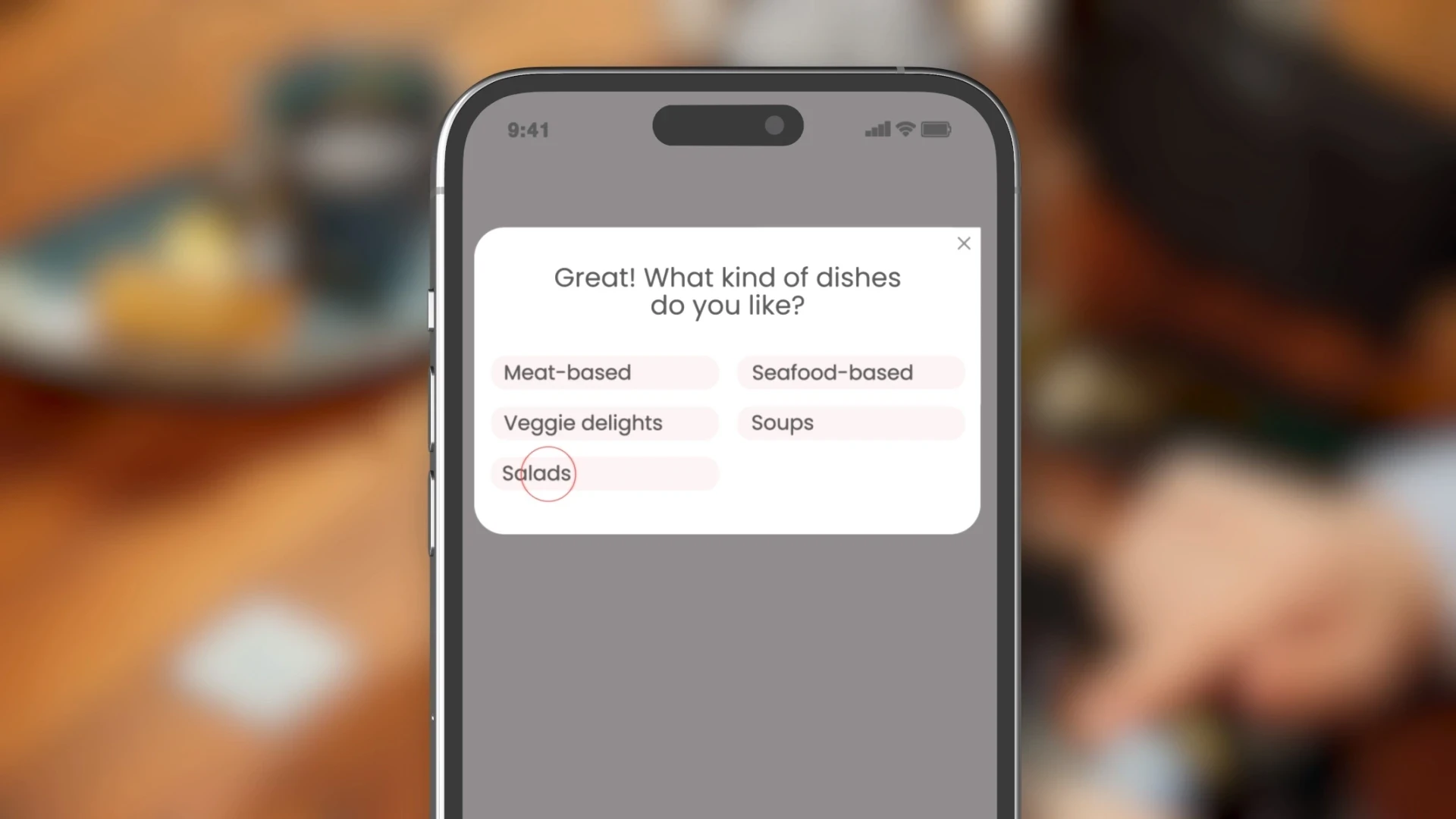
The video runs under one minute and was delivered in five days. Most SaaS explainer projects take 7 to 14 days. More complex work typically takes 4 to 6 weeks. Confirm the production schedule for your own brief.
A checklist for your video budget
Before approving a proposal, confirm:
an itemized scope matching the approved brief;
clear assumptions and exclusions;
responsibility for supplying and approving product assets;
which requests require a separate quote before work begins;
revision rounds, approval stages, and how scope changes are quoted;
the agreed exports and versions, with narration confirmed where needed;
commercial rights, third-party licenses, and source-file terms;
the production period, delivery dates, payment terms, and quote validity.
Upon final payment, you receive commercial rights to the final deliverables specified in our project agreement. Third-party music, stock footage, and fonts remain subject to their own license terms. Organized Adobe After Effects (.AEP) source files are available on request. Confirm their delivery terms and any additional cost before production.
Build your budget from the agreed production fee plus any separately quoted extras. If the scope changes, we discuss a separate fixed quote before additional work begins. Resolve any missing deliverable in writing before approval.
For an annual video budget, list the main production, planned feature videos, and any updates expected as the product changes. Note which screens or messages may need replacing later. Ask how those updates would be scoped and whether editable source files would be needed.
Explainer, product demo, or UI loop?
Choose the format around the question your viewer needs answered:
An explainer video introduces the problem and your product’s value.
A SaaS product demo video shows a specific workflow through the interface.
UI animation for SaaS can focus on a single interaction or sequence for your website.
Include the format and placement in your brief before requesting an estimate.
Frequently asked questions
Is $950 the final cost of a SaaS explainer video?
No. $950 is our published starting price. We confirm the fixed project fee after reviewing your brief and agreeing on scope.
Are these guaranteed prices for 2027?
The figures above are current as of October 2026. Confirm the project price and quote validity for your intended production dates.
How can we keep the scope manageable?
Choose one core message, prepare approved screens, and agree on the versions you need before production starts. If the scope exceeds your budget, ask which parts can be simplified. You can also plan the main video first and request separate quotes for additional feature videos or versions when needed.
Get an estimate for your SaaS video
Send us your product link or Figma reference, the workflow you want to explain, your intended deadline, and the versions you need. We will review the scope and prepare a fixed project quote.
About the author: Bulat is the founder and senior motion designer at Bulat Visual. His background includes 14+ years in motion design and 300+ delivered projects. He focuses on B2B SaaS explainer videos, product demos, and UI animation.
