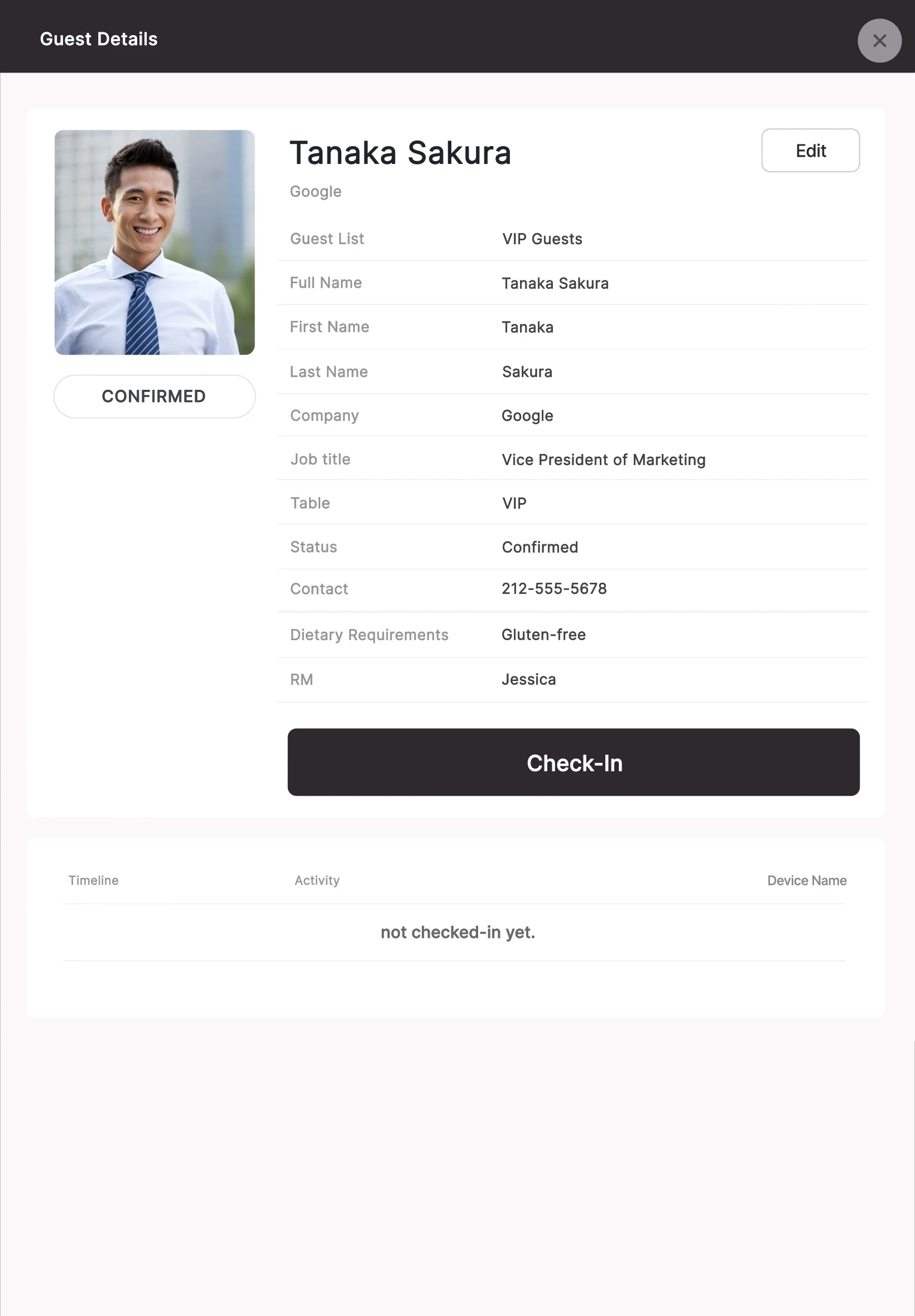
Captures the product exactly as someone happens to use it:
— every cursor movement
— every menu
— every unnecessary step
— every pause
— every loading state
— every part of the interface competing for attention
Open menu
Move cursor
Search for option
Wait for screen
Open another menu
Explain what changed
The real product stays recognizable, but the experience is edited around one clear idea.
Select the feature
The interface responds
The relevant result appears
The important change is highlighted
The viewer understands the workflow
Nothing essential has been removed.
The noise has.
01
Dashboards & Reports
Show filters, chart changes, and key data states so the viewer can see cause and effect at a glance.
02
Multi-Step Workflows
Connect several actions into one understandable sequence from input to result.
03
Automation
Show what the user sets up, what the software handles automatically, and what changes afterward.
04
Integrations
Demonstrate how information moves between tools, platforms, or different parts of your product.
05
AI Features
Make the interaction between user input, AI processing, and product output easy to follow.
06
Onboarding & Setup
Show how a new user gets started, from account setup and key settings to their first useful result.
07
Mobile Apps
Show taps, swipes, navigation, state changes, and app workflows without relying on a static phone mockup.
08
Feature Releases
Introduce one new capability without creating another full explainer video for the entire product.
AN EXPLAINER VIDEO ANSWERS:
“Why should I care
about this product?”
✓
the problem
✓
the audience
✓
the value proposition
✓
the solution
✓
the outcome
The interface can appear, but it is supporting the wider product story.
A PRODUCT DEMO ANSWERS:
“What does using this
actually look like?”
✓
the interface
✓
the feature
✓
the user action
✓
the workflow
✓
the product response
✓
the final result
If your buyer already understands what your product does and now needs proof that the workflow makes sense, a product demo is usually the better format.
Not sure whether you need a demo or an explainer?
See our SaaS explainer videos.
Figma
Live Product
Screen Recording
Screenshots
Product Documentation
We select the feature or user journey viewers need to understand and leave out anything that distracts from it.
We plan what happens on screen and in what order, focusing on clarity rather than replaying every click.
We animate the real UI with cursor movement, state changes, highlights, and transitions while keeping your product recognizable.
We refine the timing, add sound or voiceover where needed, and prepare exports for the channels you'll use. Feedback is handled in writing, and revision rounds are agreed upfront in your project scope.
Product Pages
Show key workflows alongside your product copy.
Landing Pages
Replace static screenshots with short, focused UI demos.
Sales & Presentations
Use focused clips before a call or in a presentation.
Feature Launches
Show what's new, how it works, and why it matters.
LinkedIn & Social
Share short clips of individual product interactions.
Add short demos to launch and follow-up emails.
A focused video showing a complete workflow or several connected features.
Product pages · Sales
A shorter video dedicated to one capability.
Feature launches · Landing pages
A step-by-step sequence showing how a user moves through a specific task.
Buyer evaluation · Onboarding
A short silent animation designed for a hero section or product feature block.
Homepage · Feature sections
Smaller clips taken from a larger product demo for different channels.
Social posts · Email campaigns
Keep it real
Real layouts
Real UI components
Real navigation logic
Real product states
Real branding
Make it clear
Timing
Focus
Transitions
Pacing
Visual hierarchy
Clarity
This is especially useful when a live interface contains a lot of information and only a small part of it matters to the story.
4K MP4
WebM
Lightweight website versions
Short UI loops
Feature-specific cutdowns
Presentation-ready exports
Social crops
Poster frames
Native English voiceover
Sound design
Licensed music
After Effects source files on request
Full commercial usage rights
If a demo is being built specifically for a website, the export can be planned around web delivery from the beginning rather than compressing a large master file afterward.
Focused product demo
From
Typically 7–14 days.
One focused feature or product workflow.
More complex production
From
Typically 4-6 weeks.
Several workflows, custom illustration, or 3D.
FINAL PRICING DEPENDS MAINLY ON:
Workflow complexity
Video length
Number of screens
Voiceover, if needed
Source file condition
A SaaS product demo is a strong fit if:
People understand your product better after seeing it
Your interface is difficult to explain with screenshots
Your sales team repeatedly shows the same workflow
An important feature is buried inside a complex application
You need something between a homepage explainer and a live demo
You are launching a new workflow or capability
You already have strong UI, but it feels static in marketing materials
It is probably not the right format if you primarily need:
A long training course
Complete technical documentation
Dozens of support tutorials
An unedited recording of every feature
Those formats solve a different problem.
