Three Ways to Show Your SaaS Product
The formats overlap, but each one answers a different question from the viewer.
These are three practical ways to present a SaaS product, not an exhaustive list of video types. Explainer videos and product demos are defined by what they communicate, while UI animation is a technique that can be used in either format or as a standalone website animation. Other SaaS video formats include onboarding tutorials, customer testimonials, and launch videos.
SaaS explainer videos: why does this product matter?
An explainer introduces the problem your software solves and shows what changes once someone uses it. It does not need to cover every screen. Trying to fit every feature into one video usually buries the main message.
A good explainer can mix real interface, animated diagrams, typography, and narration, depending on what makes the story clearest. It works best on homepages, launch pages, and in sales introductions, especially when the product category is unfamiliar to the audience.
SaaS product demos: how does it work?
A product demo shows the software in use. It follows one task or workflow from a clear starting point to a clear result, for example choosing a date range, applying filters, and reading the resulting report.
Demos can be built from screen recordings, animated interface, approved design files, or a combination. If part of the product is still in development, the video should not suggest that unfinished functionality already exists. Demos fit feature pages, sales follow-ups, and product announcements.
UI animation: what happens when I use this feature?
UI animation zooms in on a small part of the product: a filter updating results, an automation being set up, a notification appearing after an action. There is usually no introduction or conclusion. The animation shows one interaction and its result.
On websites these animations often run as short silent loops beside the feature text, so they have to be understandable without sound. They suit hero sections, feature blocks, and landing pages.
SaaS Video Examples From Real Projects
Four projects from my portfolio show how these formats work in practice. Some stick to one format, others combine two.
SORCE: founder footage inside the product

SORCE is a wellness platform for companies. The video had to introduce the product and show the software at the same time, and I wanted to avoid the generic look of stock footage.
I built a custom motion framework in After Effects around SORCE’s deep navy palette, added subtle vector overlays, animated the app interface from Figma, and keyed the founder’s footage directly into iPhone app mockups. The founder appears on screen, and the app is visible in the same frame.
This is mainly an explainer, with the product interface used as part of the story.
Tiponline POS: a launch video built around workflows
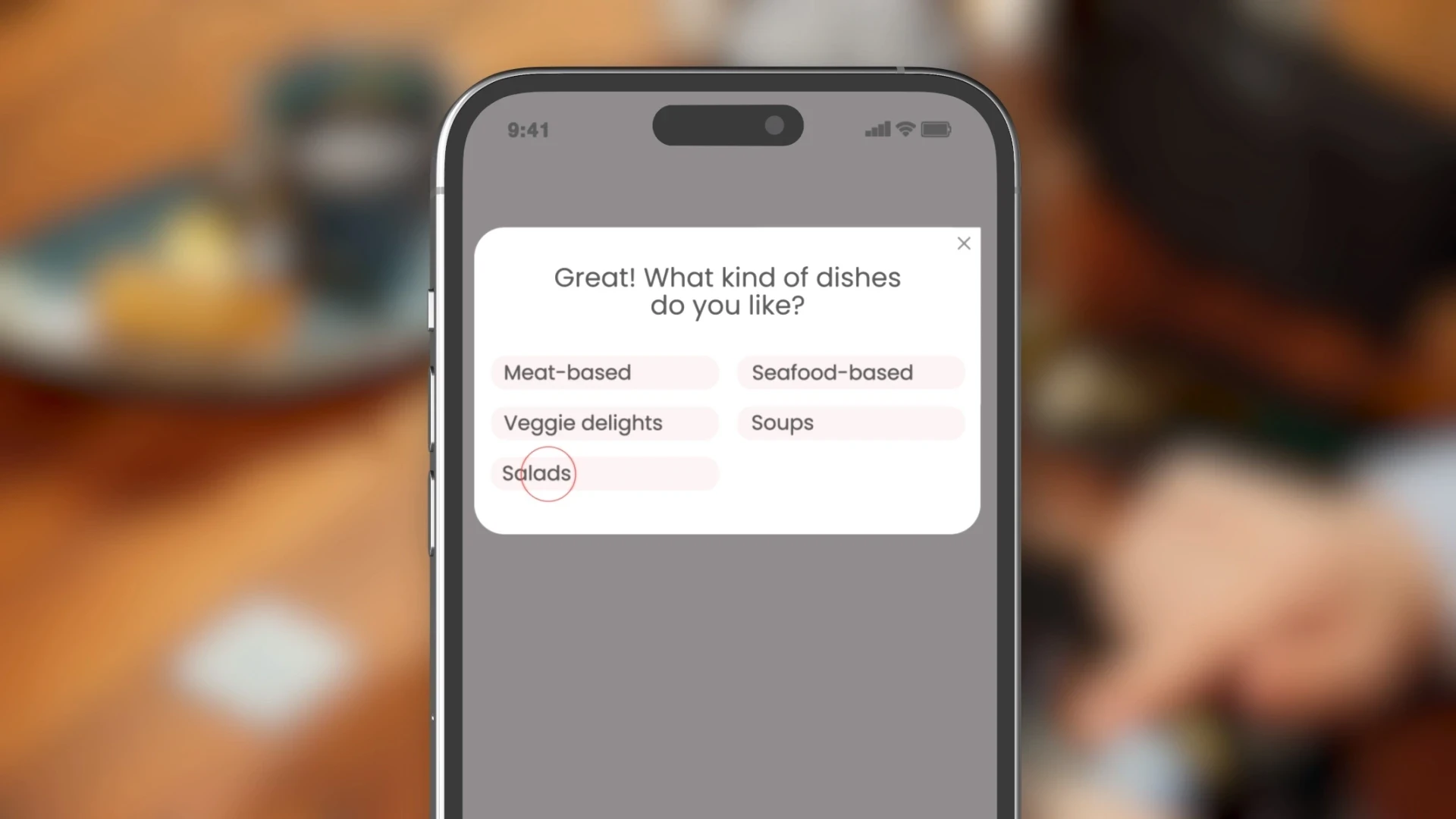
Tiponline POS is restaurant software with conversational AI and automated kitchen ticketing. The video starts with the problem, kitchen confusion during peak rush hours, and then moves into the product workflows that remove it. The interface appears when the story needs it, not as a feature tour.
It sits between an explainer and a demo, which is common for launch videos.
Check-in Pax: silent UI loops for a homepage
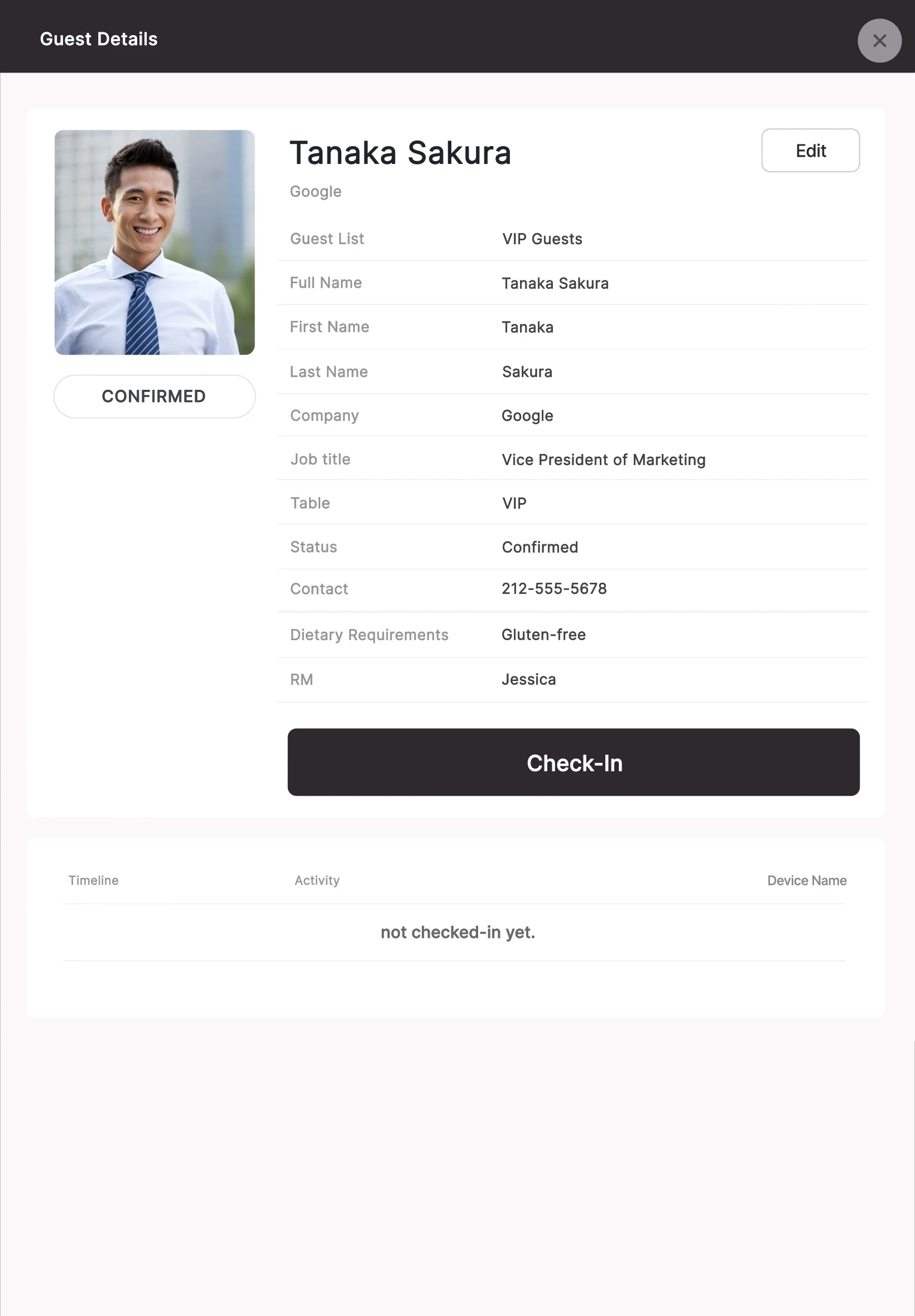
Check-in Pax is event technology, and its homepage needed to explain the product quickly without asking visitors to press play. I made short, silent UI loops for inline website playback and matched the video backgrounds to the page colors with CSS so they blend into the layout. The files also had to load fast: one web export was reduced from a 45 MB master render to 2.6 MB while keeping the UI readable at 60 fps. That is the result for this specific export, not a target for every SaaS animation.
This is UI animation in its most typical form.
Customers.ai: one interaction, shown clearly

For Customers.ai I animated a Visitor ID interface: visitor cards with avatars, a “Returning” tag on a repeat visitor, and action badges such as “Send Email” and “Sync to Ads”. The animation answers a single question, what you can do once a visitor is identified, and nothing else competes with it.
It works as a UI animation and as a short product demo.
Which SaaS Video Format Should You Choose?
Start with the question your viewer is trying to answer. The comparison also includes screen recording as a practical alternative to animation.
The formats combine well. A launch can open with an explainer and include a short demo, and a website can use an explainer near the top and UI animations further down the page.
Before you commission anything, write one sentence describing what a viewer should understand after watching. “A visitor should see how incoming requests turn into assigned tasks” gives a producer something to work with. “We need a 90-second animated video” does not.
Also think about where people will watch. A homepage visitor gives a video a few seconds before scrolling on. Someone who asked for a feature demo will watch longer. On a sales call a person talks over the video, while a silent loop on a web page has to explain itself.
When to Use Animation Instead of Screen Recording for SaaS
Not every SaaS video needs animation, and sometimes a screen recording is simply the better choice.
Screen recording is enough when…
Viewers need to learn real steps inside an existing product: help center tutorials, onboarding, internal training, short walkthroughs for current users. A recording keeps the real interface and the real sequence of actions. If the product changes frequently, replacing a short recording is usually simpler and less expensive than reworking an animation. Light editing helps: cut the pauses, zoom into the relevant area, add short annotations.
Animation makes more sense when…
The raw interface shows more than the viewer needs. A dashboard recording may display dozens of controls and numbers when the point is a single filter. Animation lets you direct attention to that action, control the pacing, and show the before and after states. It also lets a story move between interfaces, devices, and diagrams, which one continuous recording cannot do. The cost is production time: an animated interface needs preparation and timing, and it needs updating when the product changes.
A mix often works best
A demo can start from a real recording, cut the irrelevant steps, add animated highlights, and finish on a prepared close-up. A launch video can set up the problem with motion graphics and then show a realistic workflow.
For website videos
Test the real page. Check that interface text stays readable on a phone, that the video works without sound, that it loads quickly, and that it does not shift the layout. Lottie suits vector artwork, and rendered video is usually better for complex compositions or footage. Neither is the right answer every time.
How Much Does a SaaS Video Cost?
It depends on what the video has to show. A short UI loop made from approved product assets is a different job from a narrated explainer with custom scenes, and runtime alone does not describe the work. Interface preparation, visual complexity, revisions, narration, and delivery versions all change the quote.
For a detailed breakdown and real project examples, read my guide to planning a SaaS video budget. You can also explore a preliminary estimate below.
Frequently Asked Questions
Choose the Format That Makes Your Product Easier to Understand
The right SaaS video is the one that answers your viewer’s most important question. Sometimes that is a full explainer, sometimes a focused demo, and sometimes a short interface animation or a plain recording.
Not sure whether your SaaS product needs an explainer, a demo, or UI animation? Tell me what your audience needs to understand, and I’ll help you choose the right format and define the scope.
